Instant digital download · OBS Studio & WebM-ready
VORATH Animated Stream Overlay Pack
Three dark-fantasy paintings where the storm light, campfires, and anvil embers move—paired with separate transparent title layers, hollow-sigil WebM alerts, hammered bronze webcam bezels, and six forged channel panels. Set up in OBS Studio in about five minutes.
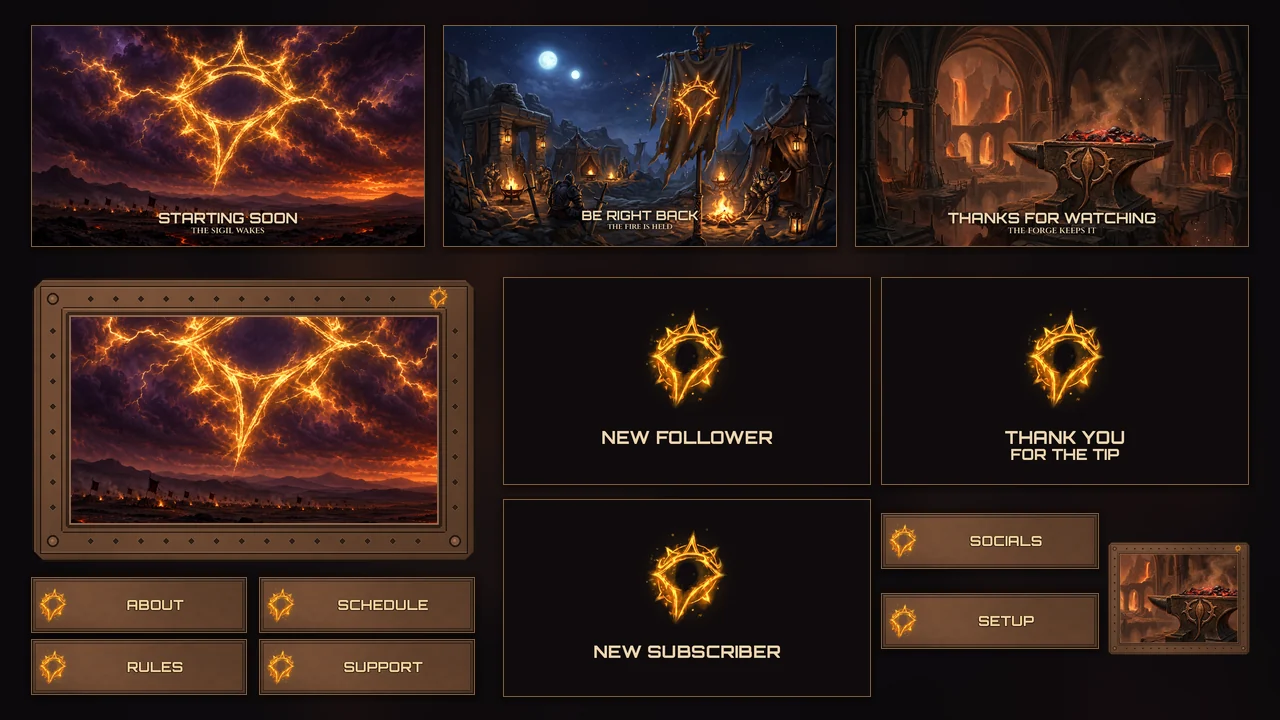
What’s inside the 25-file download
3 painted scenes + seamless loops
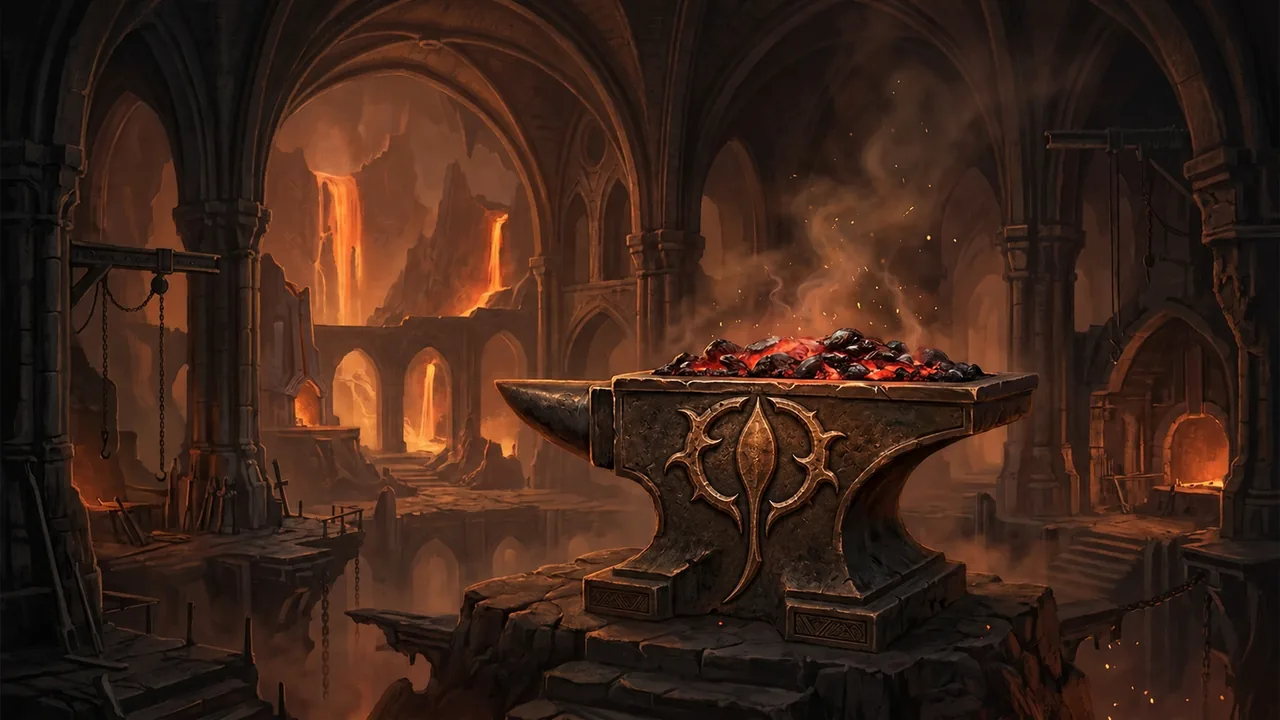
Starting Soon (sigil in the storm), Be Right Back (warband camp), and Thanks for Watching (cooling forge). Each ships as a text-free 1920×1080 PNG still and an 8-second seamless 1280×720 WebM motion loop.
Separate transparent title layers
Three 1920×1080 transparent PNG title overlays (text_starting_soon.png, text_brb.png, text_ending.png). Nothing is baked into the paintings—position them freely or run the artwork text-free with your own typography.
3 transparent hollow-sigil alerts
New Follower, New Subscriber, and Thank You for the Tip as 3-second transparent VP9 WebM animations where the hollow Vorath sigil ignites and cools to embers, plus 960×540 transparent PNG fallbacks.
6 forged bronze channel panels
About, Schedule, Rules, Support, Socials, and Setup delivered as crisp 640×160 PNG headers sampled from the cooling anvil bronze palette with the burning hollow sigil crest.
16:9 & 4:3 webcam frames
Two hammered bronze camera bezels with symmetric diamond chamfers, corner rivets, and a top-right hollow sigil crest: 776×496 PNG (640×360 clear 16:9 opening) and 776×616 PNG (640×480 clear 4:3 opening).
5-minute OBS Studio guide
Plain-English BUYER_GUIDE_OBS.md walkthrough and LICENSE_PERSONAL_USE.txt. Works in OBS Studio and any streaming software or alert service that accepts standard PNG and WebM files.
| Component | Included files | Resolution & format | Setup detail |
|---|---|---|---|
| Stream scenes (3) | Starting Soon, Be Right Back, Ending | 1920×1080 PNG + 1280×720 8 s WebM |
Text-free paintings; tick Loop and Fit to screen in OBS Media Source |
| Title overlays (3) | text_starting_soon, text_brb, text_ending |
1920×1080 RGBA PNG |
Optional separate two-line display titles; place above loop or omit for custom text |
| Animated alerts (3) | New Follower, New Subscriber, Tip | 3 s transparent VP9 WebM + 960×540 RGBA PNG |
True alpha channel; still PNG fallback included for image-only alert boxes |
| Channel panels (6) | About, Schedule, Rules, Support, Socials, Setup | 640×160 PNG |
Upload directly to your channel profile or About section |
| Webcam frames (2) | webcam_frame_16x9, webcam_frame_4x3 |
776×496 & 776×616 RGBA PNG |
Transparent inner windows fit 640×360 (16:9) and 640×480 (4:3) camera feeds |
Clean scene plates & bronze overlay hardware
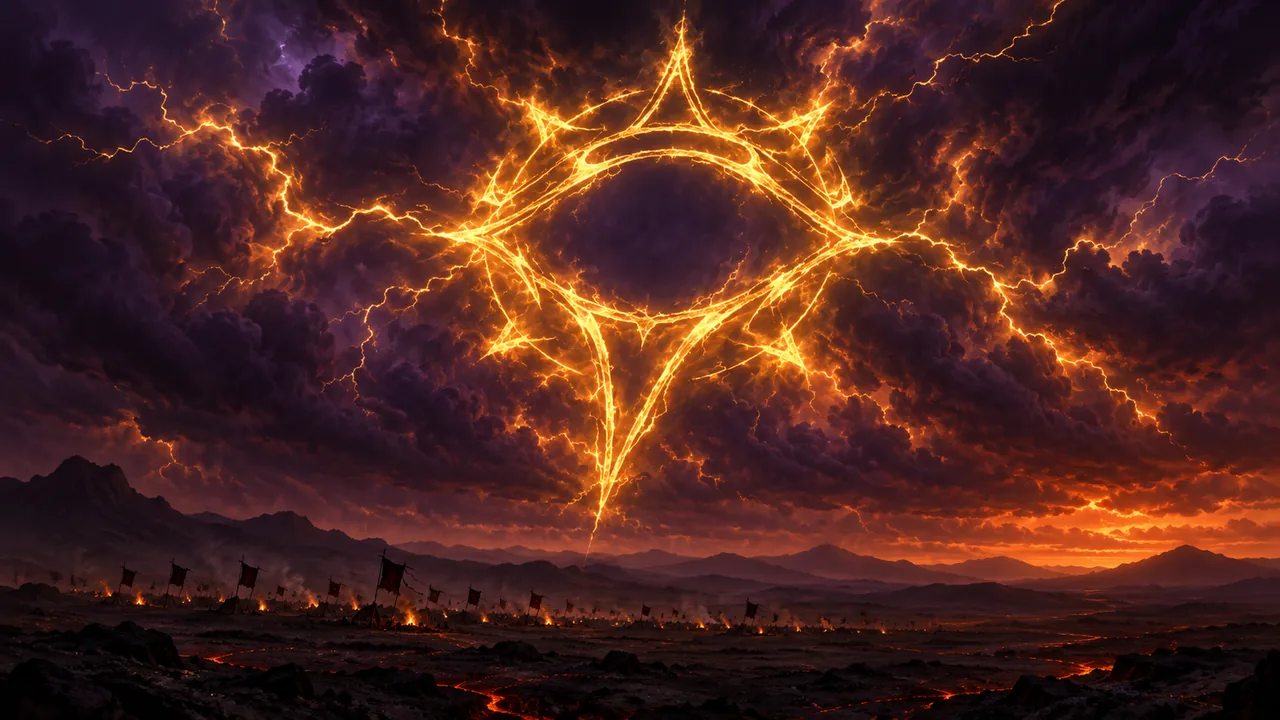
1920×1080 master painting with ground-fire motion in the 8-second seamless loop and an optional two-line title layer.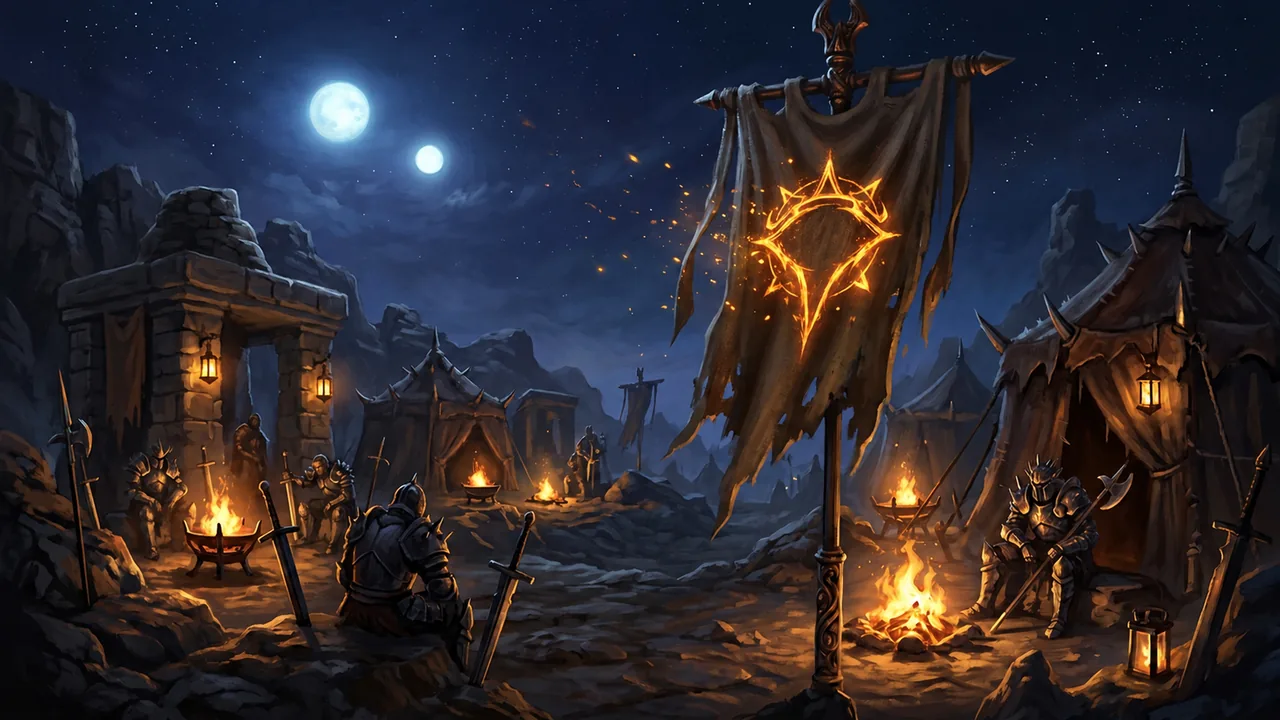
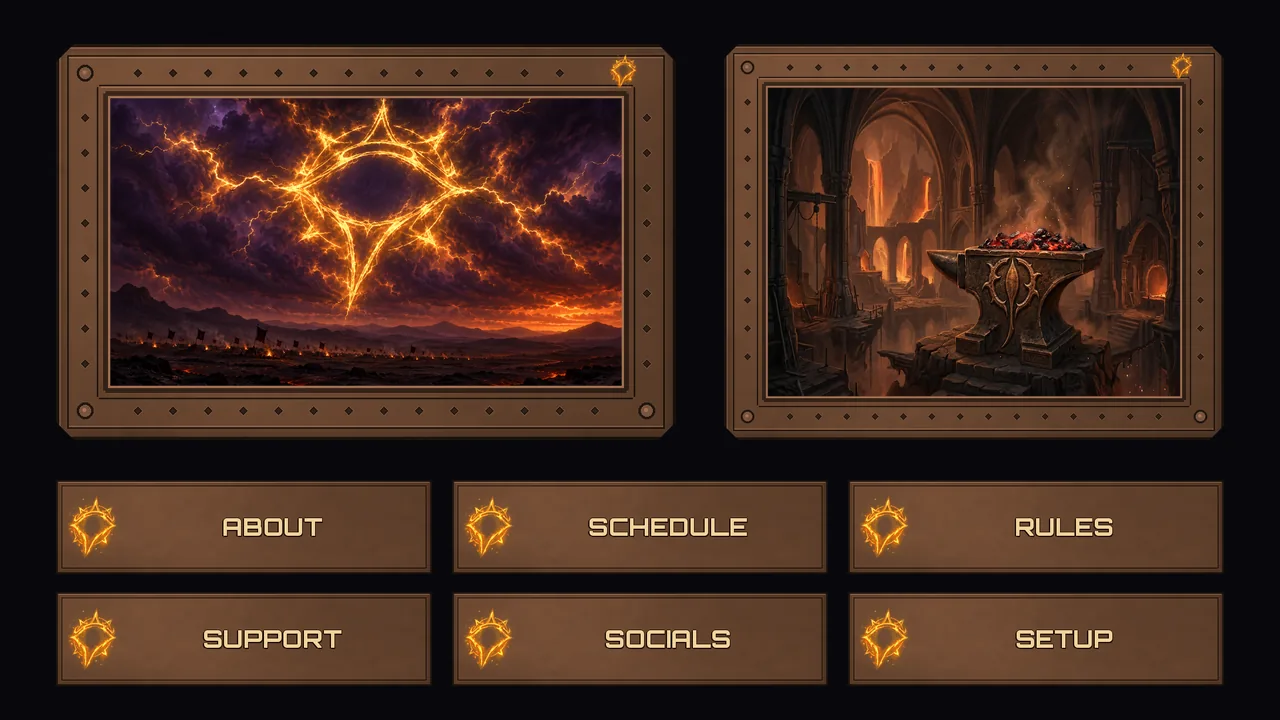
16:9 and 4:3) alongside all six 640×160 channel headers.Set it up in OBS Studio in 5 steps
- Unzip to a permanent folder (such as
Documents/StreamPack) so OBS Studio always finds your media paths. - Add your scene loops as a Media Source (
scenes/*_loop_720p.webmwith Loop checked and Transform → Fit to screen) or as a full-resolution1920×1080Image source. - Drop in titles or use your own by placing
scenes/text_*.pngas an Image source above the loop—or leave the text layer off and add custom channel text. - Frame your camera by placing
webcam_frame_16x9.pngorwebcam_frame_4x3.pngabove your video capture source and sizing the camera to the transparent window. - Upload alerts & panels to your alert box (3-second transparent
alerts/*_alert.webmor still PNG fallback) and your channel’s About page (panels/panel_*.png).
Process & Provenance
Honest AI-assisted craft disclosure
The three scene paintings and the warband banner sigil were created with an AI image model and inspected by the NorthStar Prime team; the storm and anvil sigils were derived from that banner sigil. The burning hollow sigil on the alerts, panels, and webcam frames was alpha-extracted from the banner painting, and all seamless motion loops, bronze bezels, and overlays were composited by verified NorthStar build scripts. No third-party artwork, game logos, or streaming platform trademarks are used.
Terms of Use
Personal channel license
Personal use, not for resale. You may use these files on your own live streams, recorded videos, and channel pages—including monetized channels—and crop, resize, or add your own text for your channel. You may not resell, redistribute, share, or repackage the files (edited or unedited) as part of another overlay pack, template, logo, or trademark. Orbitron and Cinzel display lettering is rendered under the SIL Open Font License (no raw font files redistributed).
Instant download or bespoke commission
Ready to load into OBS—or need a custom stream package?
Grab the complete 25-file VORATH Animated Stream Overlay Pack immediately on Gumroad for USD $14, or email us if you want a custom overlay motif, ultrawide/vertical stream layouts, or procedural sacred-geometry broadcast scenes priced by quote.
Instant digital ZIP download; no physical item ships. If any file fails to open in your setup, reply to your Gumroad receipt or email contact@northstarprime.net for support.