Open-source software
Software you can make your own.
Free tools from NorthStar Prime, with the source included. Use them, look inside, change what you like.
Chronosphere
Free · Open source · v1.0.0
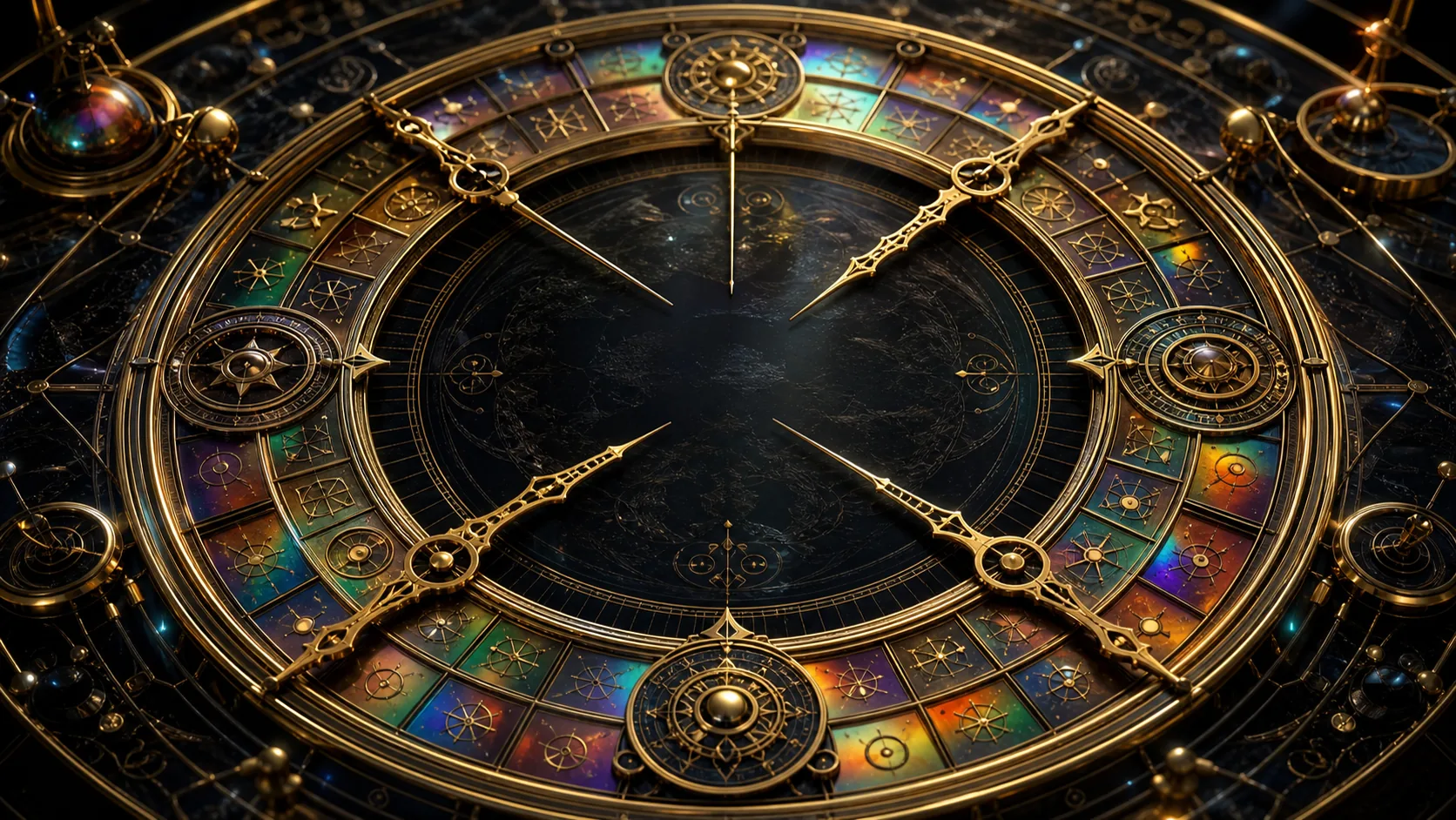
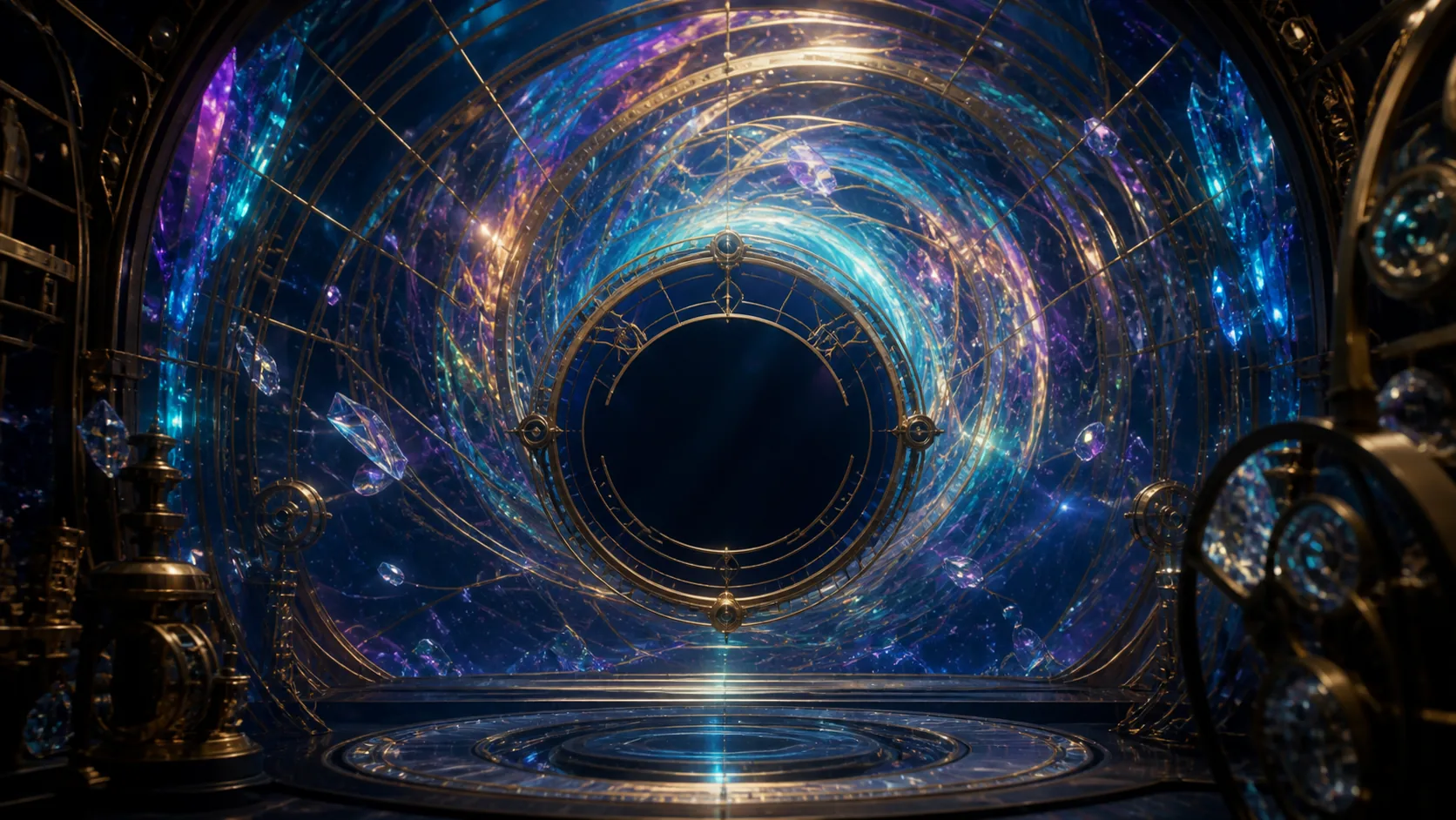
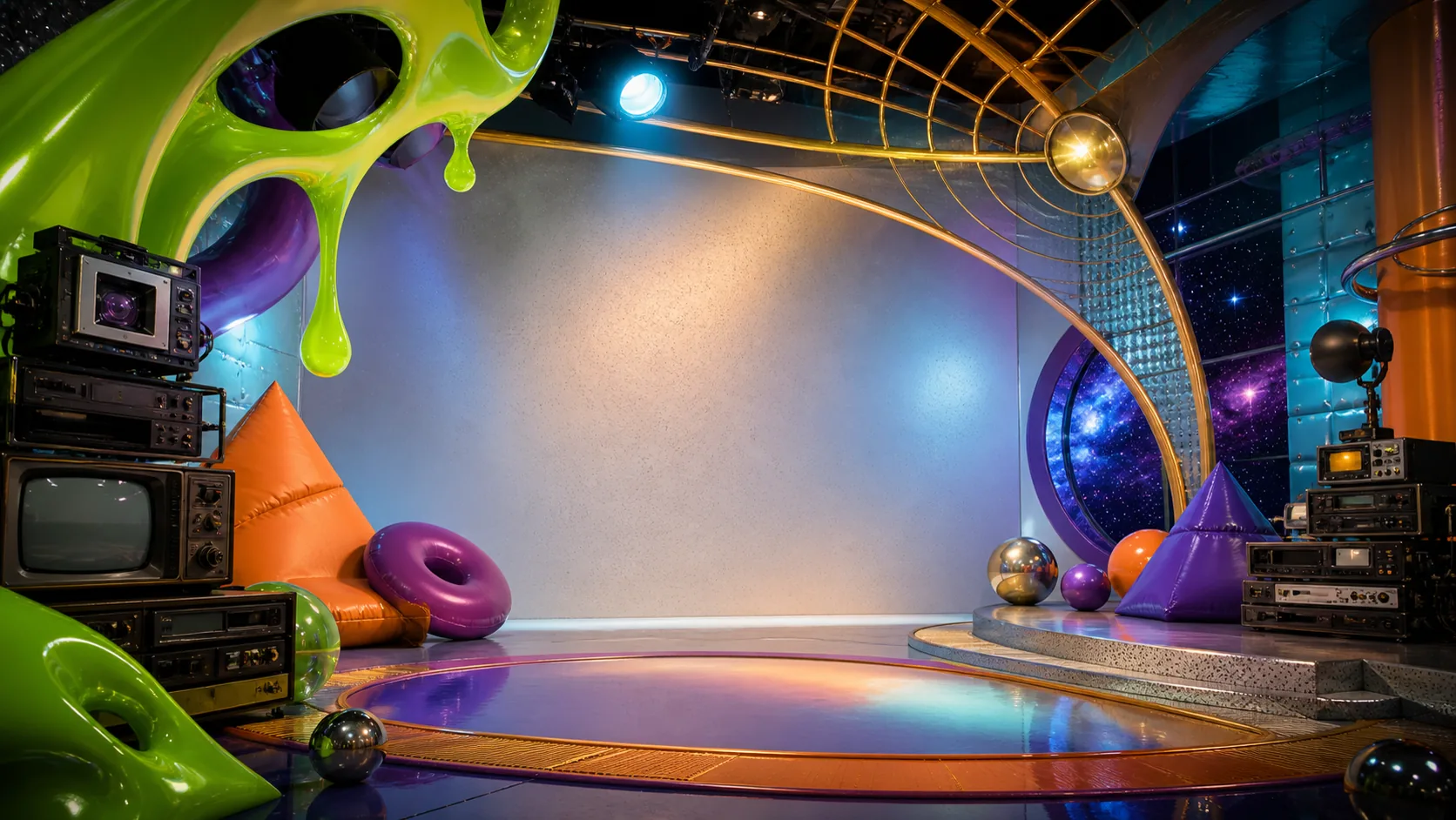
Eleven animated clock worlds, from a brass celestial dial to a bright 1990s studio. Fill your screen, or keep a little company beside your work with the Windows floating clock.
No account or API key needed. Windows download: x64, tested on Windows 11. Requires the .NET 10 Desktop Runtime and Microsoft Edge WebView2 Runtime. This first Windows build is unsigned.
Eleven worlds, ready to explore
Live clocks, animated artwork, theme selection, a five-minute automatic cycle, and a little lore and interaction in every world.
A home on your desktop
The Windows app offers Full, Half, Float and Bar layouts, top or bottom placement, and a draggable clock. Full-screen controls stay within reach from the narrow bar.
Yours to open and change
The clock and bundled artwork work offline after download. NorthStar code uses the MIT license; artwork permissions and third-party notices are included.
How do I use the browser clock?
Choose a world with the dots along the bottom. Press Space to pause or resume automatic switching, F for fullscreen where your browser permits it, L for Lore and I for Interact. Seraphim's sound starts muted; enable it in that world's Interact panel. Use your browser's Back button to return here.
Ordinary browser tabs do not have the Windows app's floating, pinned or bar layouts. The desktop download provides those controls.
How do I install the Windows app?
Extract the complete ZIP into a folder, keeping its contents together, and run ChronosphereShell.exe. Install the two Microsoft runtimes linked above if needed. The app does not install a background service or require a NorthStar account. The README includes build instructions and troubleshooting.
Use Full, Half, Float or Bar to change its size. F returns to Full; Escape leaves Bar for Float. Full mode shows the complete worlds when the window is tall enough; the shorter desktop layouts use dedicated clock artwork.
What is optional, and what stays on my device?
Chronosphere itself has no account or application analytics. The downloaded clock, art and sound run offline; theme and layout preferences are saved locally. The optional local health display is for people who choose to connect their own service in the downloaded edition. The public demo does not need that connection. Microsoft runtimes have their own update and diagnostic settings.
Can I adapt the app or use the art?
Yes. The repository includes the complete clock code, native Windows shell, theme artwork and build instructions. See the MIT license, artwork permissions and provenance, and included Microsoft component notices for their respective terms. NorthStar's name is not an endorsement of modified versions.
System specifications and accessibility
Chronosphere runs as a lightweight native Windows application using Microsoft Edge WebView2. The artwork features animated mechanical dials, fluid canvas cycles, and ambient particle dynamics. Reduced-motion preferences are supported to minimize non-essential motion. All fictional telemetry displays are integral visual instruments within the thematic universe.